
Insights
Data Backup and Disaster Recovery Basics for a Business That Can't Afford Downtime
By E.M. Grey · Published Nov 16, 2026

What Disaster Recovery Actually Means for a Small Business
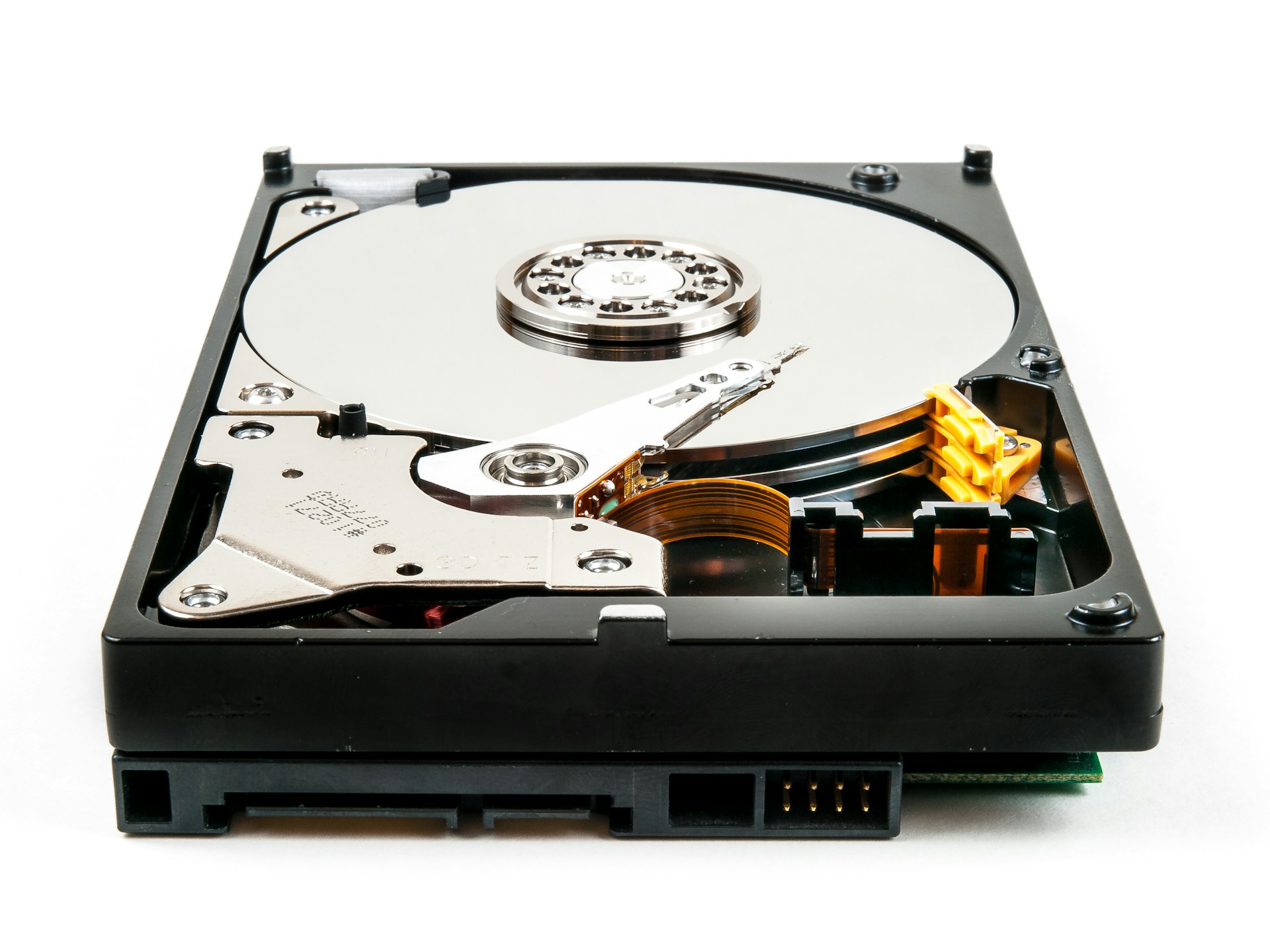
Disaster recovery is the plan for getting your business back up and running after something takes your data or your systems offline, whether that's ransomware, a failed hard drive, a fire, or someone accidentally deleting the wrong folder. Most small businesses think of this as an IT problem for bigger companies with IT departments. It isn't. A ransomware attack, a stolen laptop, or a drive that just stops spinning doesn't check your headcount first.
The Cybersecurity and Infrastructure Security Agency (CISA) puts it plainly, a backup is a secure copy of your business's critical data, stored separately from your primary systems, so you can restore it and resume operations quickly after an incident. The 2026 Verizon Data Breach Investigations Report found that small and midsize businesses made up about 96 percent of ransomware victims where the organization's size was known. Attackers aren't picking on small businesses by accident. They're picking on them because the payoff is high and the defenses are usually thin.
Having a Backup Isn't the Same as Being Able to Restore It
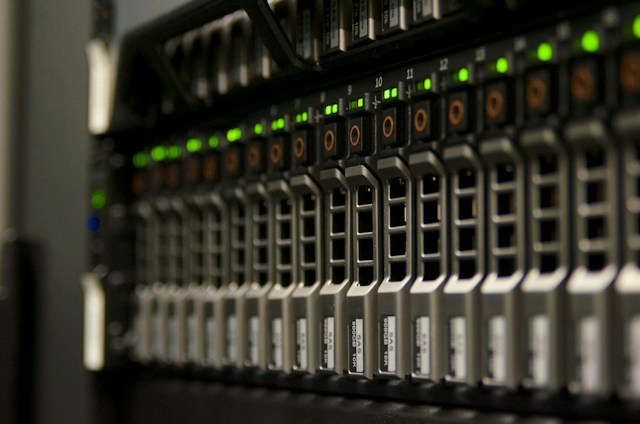

A backup only counts if you've actually tested pulling your data back out of it. CISA's own ransomware guidance recommends keeping backups offline and encrypted, and testing them regularly, specifically because attackers go looking for backups first and try to delete or encrypt those too before they ever lock up your main systems.
Plenty of business owners can tell you they have backups. Far fewer can tell you the last time someone actually tried restoring from one, or how long that restore took. A backup that's never been tested is a guess dressed up as a safety net. The standard guidance, often called the 3-2-1 rule, is to keep three copies of your data, on two different types of storage, with at least one copy stored somewhere offsite and disconnected from your main network.
What Skipping Backups Actually Costs
I have a friend who worked as an IT manager at a local accounting firm in the mid-2010s. He recommended the firm set up consistent, reliable backups. Leadership decided to skip it to save on the cost. A ransomware attack hit the firm a while later. The ransom demanded was too high to justify paying, the data was never recovered, and the firm absorbed a seven figure loss directly traceable to that one decision to treat backups as a line item instead of insurance.
That's the real comparison to make before deciding backups are too expensive or too much hassle to set up properly. A tested backup and recovery plan usually costs a small fraction of what a single serious incident costs in lost data, lost billable time, and lost client trust. If you're putting off a proper setup because it feels like a project for someone else to handle later, our custom software and operations work covers this exact kind of groundwork alongside the other software your business depends on every day.
Redundancy Doesn't Have to Be Perfect to Be Worth Having
Redundancy only needs to cover the part of your business that matters most, not every single piece of it. We got a live example of that recently. A Google Cloud infrastructure outage knocked our own database offline for a few hours. Every Grey Mountain Software client website stayed up and reachable the entire time, because we serve those sites through Cloudflare's CDN with edge caching rather than hitting the database directly on every page load.
The part that didn't survive untouched was the content management side. Publishing new content or making an edit requires talking to that database directly, so our CMS tools were unavailable for about three hours while the outage ran its course. No customer-facing site went dark, but the editing side did. This gap is the direct reason we're now evaluating a second host, likely AWS, so published content can sync across providers and stay reachable even if one host goes down again.
The same logic applies to your own setup. A single host and a single database is a real decision about risk, whether anyone at your business has actually thought about it that way or not.
What to Check This Week
A few questions worth answering honestly before you assume you're covered.
- When was the last time anyone actually restored a file from your backup, not just confirmed the backup job ran
- Is at least one copy stored somewhere offline or disconnected from your main network, where ransomware encrypting your live systems can't reach it
- If your main system went down today, how many hours or days could your business actually survive without it
Your Next Step
If you answered "I'm not sure" to any of those, that uncertainty is the actual risk, not just the ransomware itself. Our guide to cybersecurity essentials for small businesses covers the broader picture beyond backups alone. Reach out through our contact page and we'll help you figure out what a real backup and recovery setup should look like for your business, before you need it rather than after.
Sources
Official guidance
Cybersecurity and Infrastructure Security Agency (CISA). "Back Up Business Data." https://www.cisa.gov/back-business-data Used for: the definition of a backup and the recommendation to prioritize critical data and follow the 3-2-1 rule.
Cybersecurity and Infrastructure Security Agency (CISA). "#StopRansomware Guide." https://www.cisa.gov/stopransomware/ransomware-guide Used for: the recommendation to keep backups offline and encrypted and test them regularly, since attackers specifically target backups.
Ransomware and small business risk
Verizon. "2026 Data Breach Investigations Report." https://www.verizon.com/business/resources/reports/dbir/ Used for: the statistic that small and midsize businesses made up about 96 percent of ransomware victims where organization size was known.