
Perspectivas
Por E.M. Grey · Publicado el 31 ago 2026
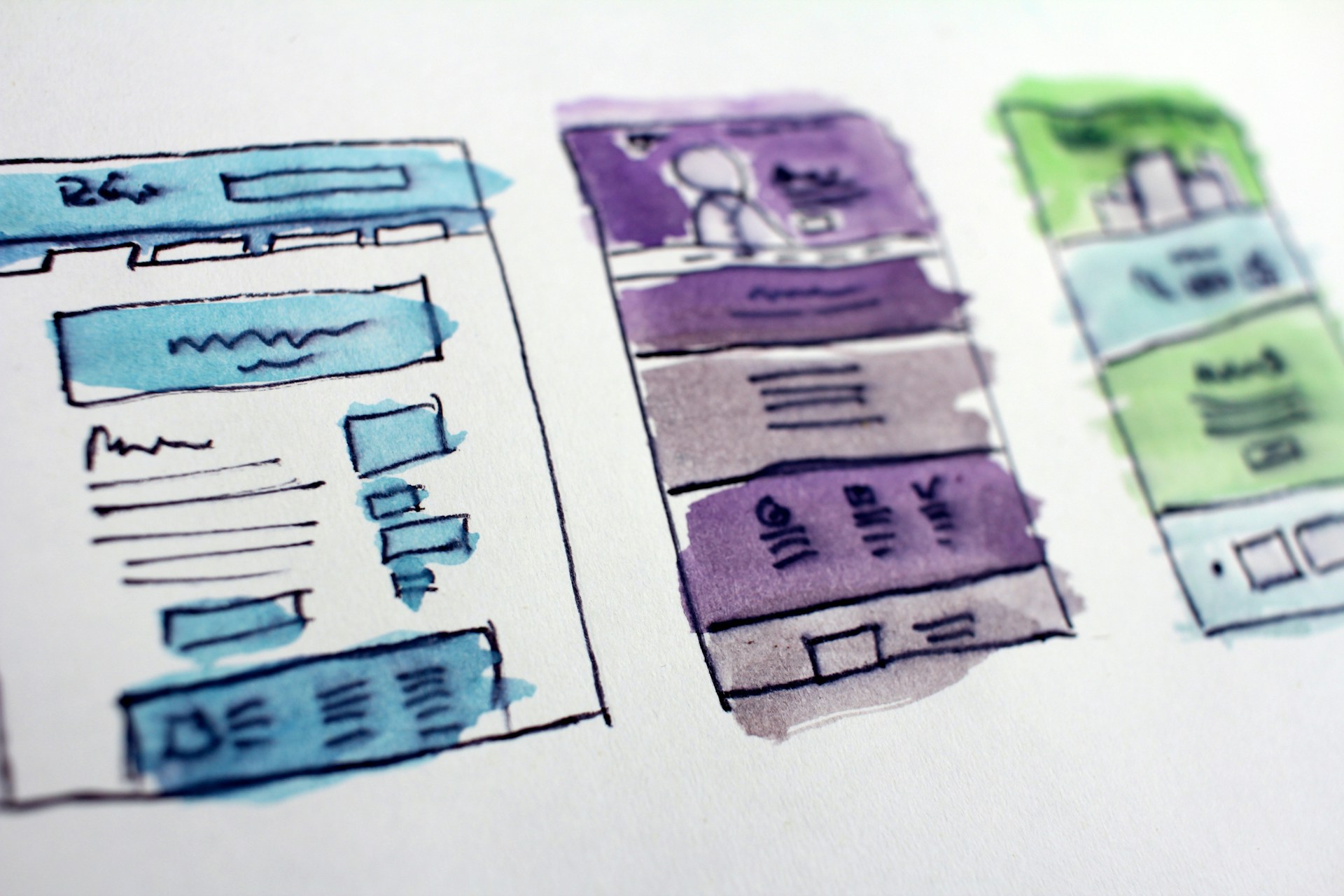

The Real Difference Isn't the Price Tag
The real difference between a DIY build and a professional one isn't what you pay, it's what's happening underneath the page you end up with. Ask most small business owners why they'd eventually hire someone, and the answer tends to be "quality," which is true but incomplete. A DIY builder and a professionally built site aren't two paths to the same website. They're two different things running underneath a page that might look nearly identical at launch.
If you're still deciding whether to start with a builder at all, we already covered that choice in DIY or Hire a Professional? How to Choose the Right Website Path for Small Business. This post picks up from there, once you've got a site and you're wondering what changes as it has to do more than sit there and look good.
What a Template Actually Locks You Into
A template locks you into its structure, not just its look. On Wix, you can't switch to a different template once your site is live. Squarespace's current editor doesn't offer formal template switching either, though its templates share the same underlying structure, which makes a redesign less painful than starting over from scratch.
This is a real, tested constraint, not a hypothetical one. The moment your business needs something the template wasn't built for, online ordering, a customer portal, a second location with its own page, you're either forcing it into a tool that resists the change or rebuilding somewhere else.
The Same Pattern Shows Up at Any Scale


This same pattern shows up well past small business websites. Years ago, leading a mobile and UI platform team, I built a framework used to develop a feature once and deploy it to the mobile app, the web product, and several other products at the same time, instead of every team rebuilding it slightly differently for each surface. It's still in use today, and it helped move the company off a monolith that was struggling to keep up with millions of active users.
The lesson was never really about the framework itself. Fixing something once, properly, beats patching the same problem separately every time it shows up somewhere new. A DIY template tends to do the opposite by design: every new page or feature gets bolted on inside whatever the builder allows, and the bolt-on rarely matches the last one.
Where This Starts to Cost You
It starts costing you in search visibility, which is where a template's limits become expensive instead of just annoying. Google has said plainly that Core Web Vitals feed into its ranking systems, acting most like a tiebreaker when two pages are otherwise similar in relevance and content quality. Tooltester's 2026 testing found Wix loading slightly faster overall while Squarespace performs better on time to interactive, and neither gap disappears once you start layering plugins and workarounds onto a template to make it do something it wasn't built for.
A professionally built website usually stops being a nice-to-have right around here, not because the builder was a bad choice at the start, but because the constraints you didn't notice on day one are the same ones you're now working around every time you add something.
Your Next Step
Your next step depends on how much your website still has to do. If it's a handful of pages that rarely change, a builder can keep earning its keep. If you're adding real functionality, ordering, scheduling, a portal, multiple locations, a site built to extend cleanly beats one built to resist every addition. We've written before about how a custom site keeps your brand consistent from the homepage to checkout; this is the same idea from the engineering side instead of the design side.
If you're not sure which side of that line your business is on, reach out and we'll give you a straight answer, not a sales pitch.
Fuentes
Website builder platforms
Tooltester. "Wix vs Squarespace (2026): Which Should You Pick?" 2026.
https://www.tooltester.com/en/blog/wix-vs-squarespace/
Used for: Wix's template lock after launch, Squarespace's shared underlying template structure, and the load-speed versus time-to-interactive comparison between the two platforms.
Search ranking
Google for Developers. "Understanding Google Page Experience." Google Search Central Documentation.
https://developers.google.com/search/docs/appearance/page-experience
Used for: confirming Core Web Vitals feed into Google's ranking systems, acting primarily as a tiebreaker among pages of otherwise similar relevance and content quality.